





 搜索
搜索
 搜索
搜索 导航
导航
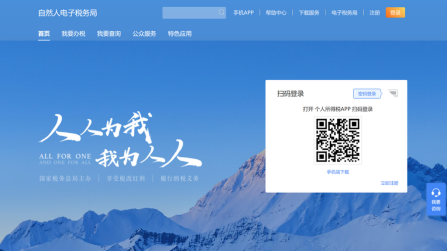
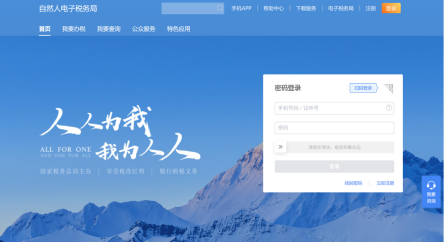
首先,我们打开自然人电子税务局网站,您可以通过个税App扫描页面右侧的二维码登录,也可以选择账号密码登录。
First, visit the website of Individual E-tax Service. You can log in by scanning the QR code on the page through the Individual Income Tax App, or entering your username and password.
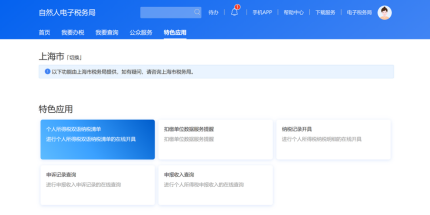
点击页面上方【特色应用】,选择【个人所得税双语纳税清单】业务。
Then, click [Featured Applications] on the top, and select [Bilingual Individual Income Tax Payment Record].
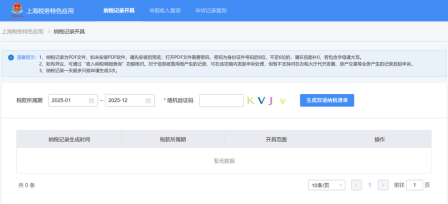
选择您需要开具的所属期,输入随机验证码,点击【生成双语纳税清单】。
Choose the tax period required, enter the on-screen random verification code, and click [Generate Bilingual Record].
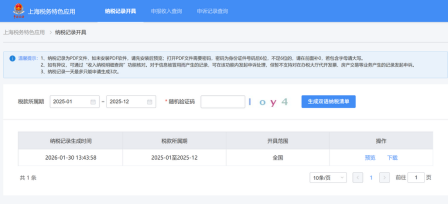
生成后,您可以预览或下载双语纳税清单。
The record will then be presented. You may preview it or download it in PDF.
在生成清单时您需要输入身份证后六位作为密码。如果不足六位的需要补0,如果包含字母请使用大写字母。
When generating the list, you will need to enter the last 6 digits of your ID card as the password. If it is shorter than 6 digits, please add leading zeros. If it contains letters, please make them uppercase.
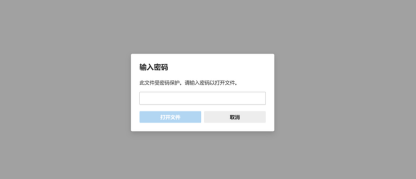
输入密码后,即可获取您的双语个税清单。
Enter the password, and your record is ready.
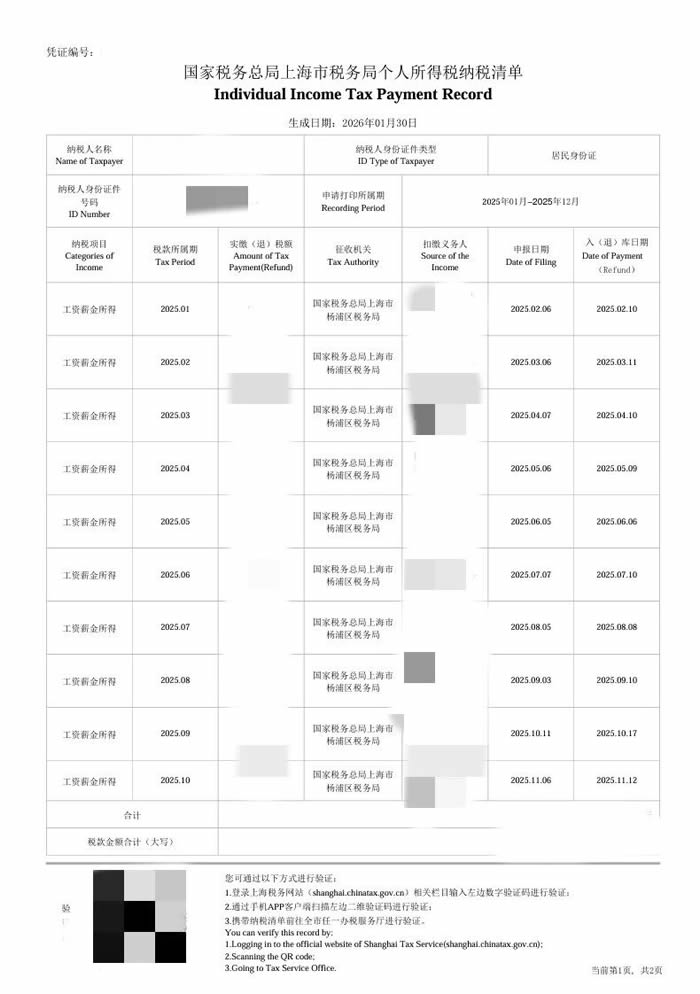
纳税人:这个清单上没有税务局的公章,怎样才能证明是真实有效的呢?
Taxpayer: There is no official stamp on the record. How to verify if it is authentic?
税老师:您可以通过两种方式进行查验。
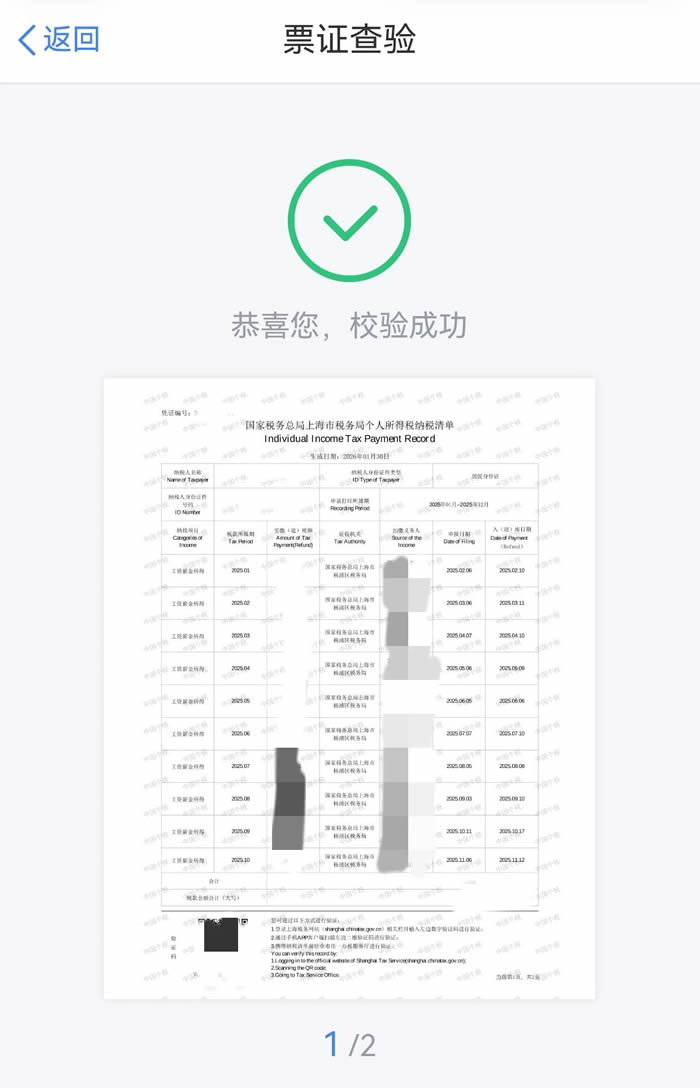
一是打开手机上的个人所得税App,点击首页右上方【扫一扫】,扫描个人所得税纳税记录左下方二维码,显示“恭喜您,校验成功”即可证明其真实性啦。
Tax Officer: You can verify it in two ways.
1.Using the App. Open your Individual Income Tax App and tap the [Scan] icon. Scan the QR code in the bottom-left corner of your record. If it shows "Verification Successful", the record is authentic.
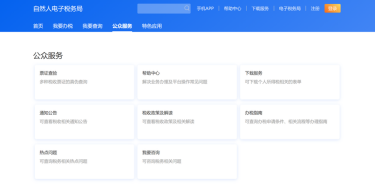
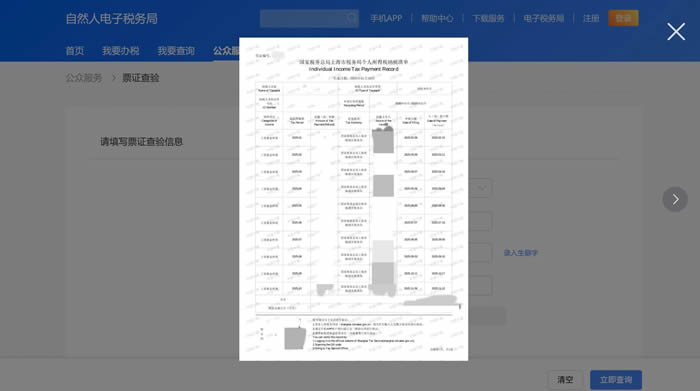
二是登录自然人电子税务局网页版,点击【公众服务】——【票证查验】,进入查询界面。
2. Using the Website. On the website of Individual E-tax Service, click [Public Services] - [Document Verification].
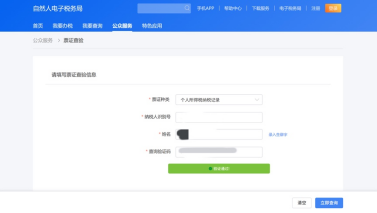
输入纳税人识别号、姓名、纳税记录左下方的查询验证码后,点击【立即查询】,若生成纳税记录即为查验成功。
Enter your Tax Identification Number (TIN), name, and the verification code in the bottom-left corner of the record. After clicking [Verify Now], if your tax record is generated, the verification is completed.
税老师:需要注意的是,纳税清单每人每天最多开具3次,同一所属日期在24小时内只能开具一次,且所属期不能早于2019年1月1日,因此请大家准确选择税款所属期哦!
Tax Officer: Please note that you can acquire a maximum of 3 tax payment lists per day. Record for the same tax period can only be generated once every 24 hours. In addition, the tax period cannot be earlier than January 1, 2019. Please select the tax period accurately.

